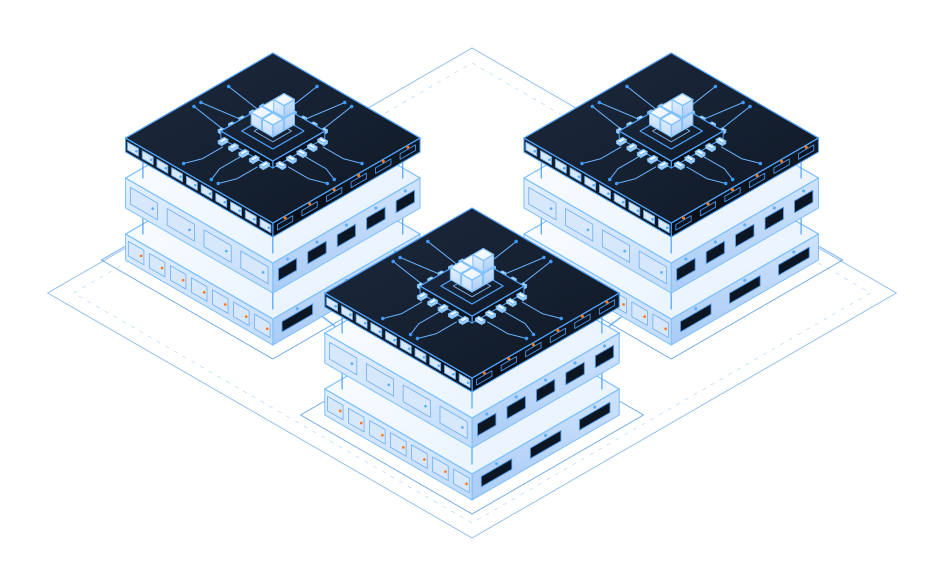
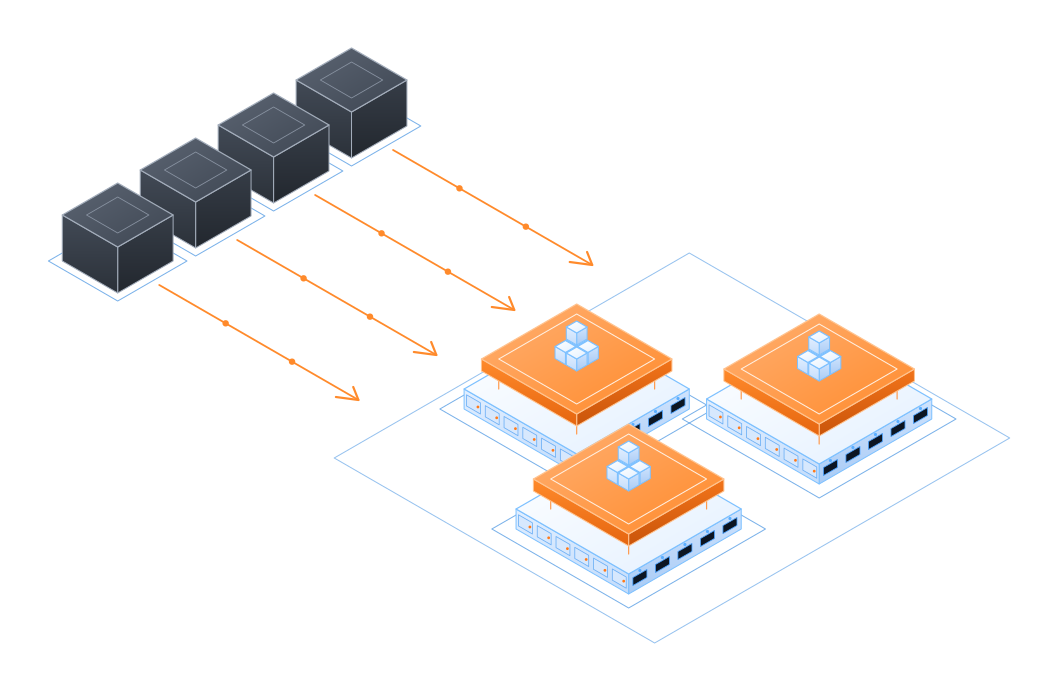
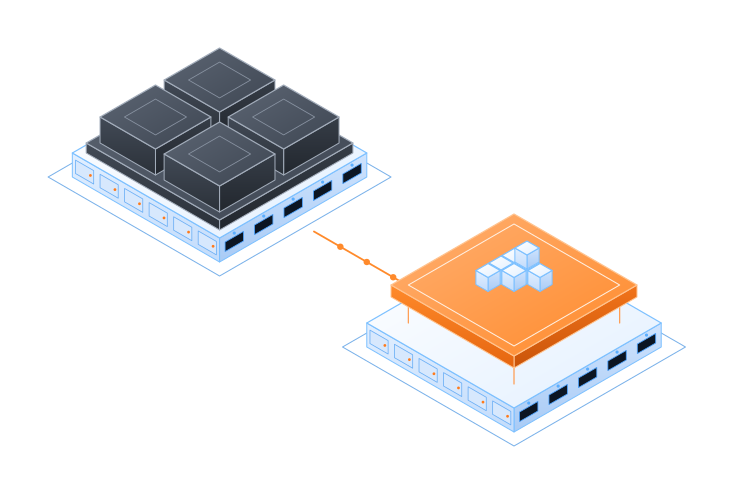
A type 1 hypervisor built on Ruckos Linux and KVM. It runs directly on the physical server hardware — replacing VMware ESXi and Windows Hyper-V — and is designed for cloud-native architectures, microservices, and lightweight container or serverless workloads.
No Windows, no ESXi — the OS is the hypervisor
The Broadcom acquisition of VMware has fundamentally disrupted the enterprise technology landscape. Many IT organizations, including this one, are actively executing migration strategies out of the VMware ecosystem.
Some enterprises are choosing to move to public clouds like Azure, while others are exploring reducing or even eliminating VMware licensing by switching to open-source alternatives like Kubernetes to regain control over their infrastructure costs. Technical teams are increasingly evaluating open-source Hypervisors and container orchestration engines to reduce vendor lock-in and improve flexibility.
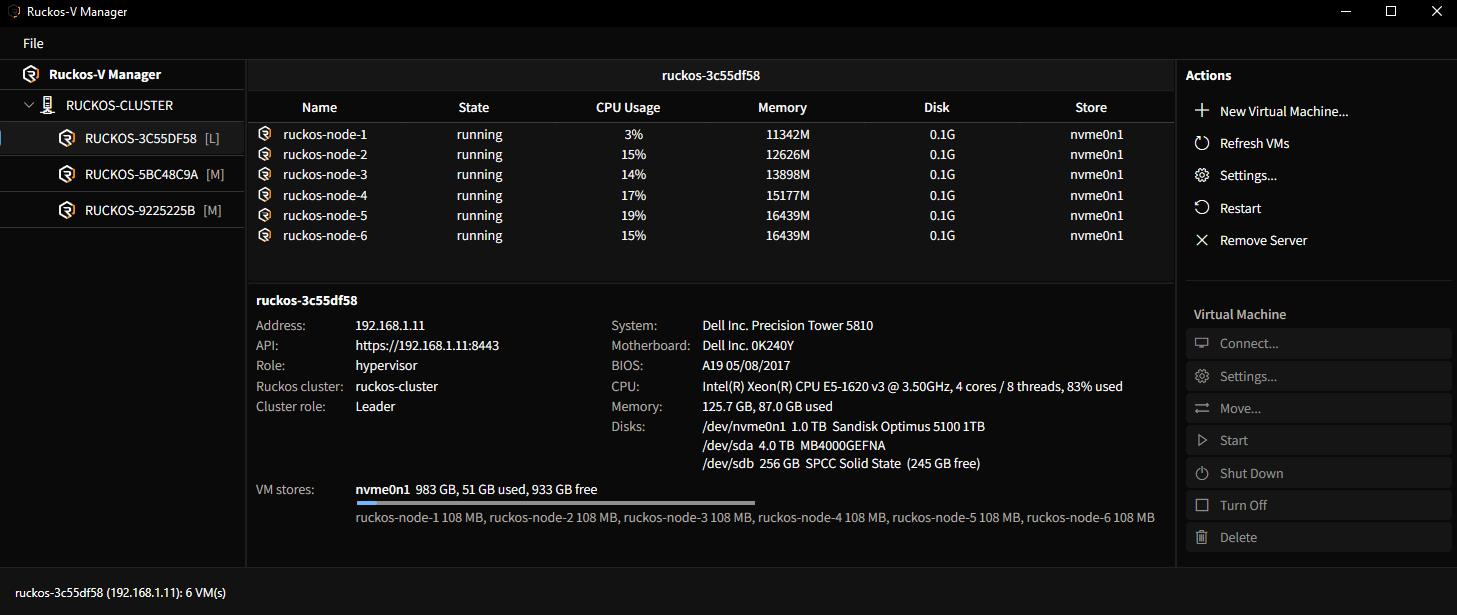
The free desktop console for Ruckos hypervisors. It keeps the layout every Hyper-V admin already knows — tree, VM list, actions, details — and adds what Hyper-V Manager never had and vSphere charges for.
Ruckos-V Manager · bare-metal to private cloud in minutes.
Ruckos Virtualization is Ruckos Linux running in the hypervisor role. The same 155 MB immutable image that boots a Kubernetes node boots a KVM host — read-only, no SSH, no package manager, no agent to patch. Nothing between your workloads and the metal except a kernel.
Drop the vSphere and vCenter subscription without dropping virtualization. Ruckos installs on the ESXi hosts you already own and keeps the hardware in service.
No Windows Server underneath the hypervisor, no Patch Tuesday for the host, no domain join to protect. The familiar Hyper-V Manager workflow stays — the Windows attack surface goes.
Designed for microservices and lightweight container or serverless workloads. A VM created on a Ruckos hypervisor becomes a Ruckos Linux Kubernetes node in about two minutes.
One immutable OS, one hardware virtualization layer, one HTTPS API. Every management surface — the desktop console, the CLI, and Ruckos Cloud — drives the same node API, so there is never a second control channel to secure.
Bare metal. Ruckos Virtualization runs directly on the physical server — there is no general-purpose operating system, no hypervisor appliance, and no management VM to install first.
Immutable host. The hypervisor boots from the same signed, read-only Ruckos Linux image as every other node. Turning a node into a hypervisor is one command and one reboot.
API first. Hosts expose a declarative HTTPS API on :8443. Ruckos-V Manager, rctl,
and Ruckos Cloud all speak to it — there is no SSH, no agent, and nothing to shell into.
Boot Ruckos Linux on the server, point rctl at it, and it comes back as a hypervisor with a formatted VM store.
Create VMs from the same prompt — or from Ruckos-V Manager — and they start right away.
Install the signed image to the server's OS disk. Ten seconds later it is on the network with its API up.
rctl hypervisor init formats the VM store and reboots the node into the hypervisor role.
Create a named cluster on the first host; the rest join through it. etcd forms on the hosts themselves.
rctl vm create uploads the ISO once, carves a thin disk from the store, and starts the VM.
Physical hypervisors join a named Ruckos cluster. Cluster state lives in etcd, and etcd runs on the hosts — no vCenter appliance, no Windows Failover Cluster, no external database to stand up first.
Every host keeps a 15-second lease in etcd. A host that stops checking in shows as lost in Ruckos-V Manager and
rctl cluster status — nothing fails silently.
Create, size, grow, connect, and monitor — from the desktop console or the CLI. Each operation is a single call to the host API.
1T only uses what's writtenrctl scan finds it like any bare-metal noderctl bootstrap — cluster in about two minutesUse the console you already know, script it from the CLI, or run a fleet from Ruckos Cloud. They all speak the same node API, so what you see in one is exactly what the other sees.
The Hyper-V Manager experience for Ruckos: connect to a server or scan a subnet, see clusters and hosts in the tree, VMs in the list, actions on the right, hardware and store usage below.
Request the console FreeThe same CLI that bootstraps Kubernetes clusters initializes hypervisors, forms Ruckos clusters, and manages VMs. Script it, pipeline it, run it from any machine on the network.
Read the docs LicensedHypervisors, VMs, and the Kubernetes clusters running on them in one GitOps-driven platform — multi-tenant, self-service, observable from the kernel up, and extendable into Azure.
Explore Ruckos Cloudhttps://<host>:8443
— no SSH, no agents, no second control channel.
The legacy hypervisors were built when the host was a general-purpose server. Ruckos is built for microservices and cloud-native workloads.
| Ruckos Virtualization | VMware ESXi / vSphere | Windows Hyper-V | |
|---|---|---|---|
| Host operating system | Ruckos Linux — 155 MB, highly optimized | ESXi — proprietary hypervisor OS | Windows Server with the Hyper-V role |
| Hypervisor licensing | Free with Ruckos | Per-core subscription | Windows Server licensing per core |
| Remote shell on the host | API only | SSH and ESXi shell (disabled by policy) | RDP, WinRM, PowerShell remoting |
| Host patching | Very little | ESXi patch baselines via vCenter | Windows Update / Patch Tuesday |
| Management plane | Desktop console and CLI for Windows, Mac, or Linux; Web-based | vCenter Server appliance | Hyper-V Manager, SCVMM, Windows Admin Center |
| Clustering | Ruckos cluster; strongly consistent, distributed key-value store | vSphere cluster managed by vCenter | Windows Failover Clustering + Active Directory |
| Kubernetes nodes | Ruckos Linux; purpose built to run as Kubernetes nodes | Tanzu is an add-on | AKS on Azure Local add-on |
| Hardware | Anything that runs ESXi or Hyper-V today | VMware compatibility list | Windows Server certified hardware |
Product names are trademarks of their respective owners. Comparison reflects publicly documented product behavior at time of writing.
We provide complete and detailed infrastructure assessments in as little as 10 days. Our assessments help organizations understand their current environment, footprint, and hardware capabilities. We help identify opportunities for cost savings by reducing or eliminating VMware and Horizon licenses, performance improvements, and modernization strategies. Our assessments provide actionable insights to guide your infrastructure decisions and help you plan for the future. We can tell you exactly how to build a migration path off VMware and onto Ruckos Cloud — on the hardware you already own.
We assess your hosts, VLANs, storage, and licensing in as little as ten days and hand you a migration path onto the Ruckos platform and Ruckos Cloud — on the hardware you already own.
One operating system underneath all three.
The immutable, API-driven operating system that boots the hypervisor, the VM, and the Kubernetes node.
Bare-metal KVM hypervisor with self-forming clusters, a desktop console, and a CLI. You are here.
Multi-tenant private and hybrid cloud: GitOps, identity, observability, storage, and AI on top of your hypervisors and clusters.