RuckOS Linux:
Appliance based Kubernetes
Highly scalable and reliable
Read the docs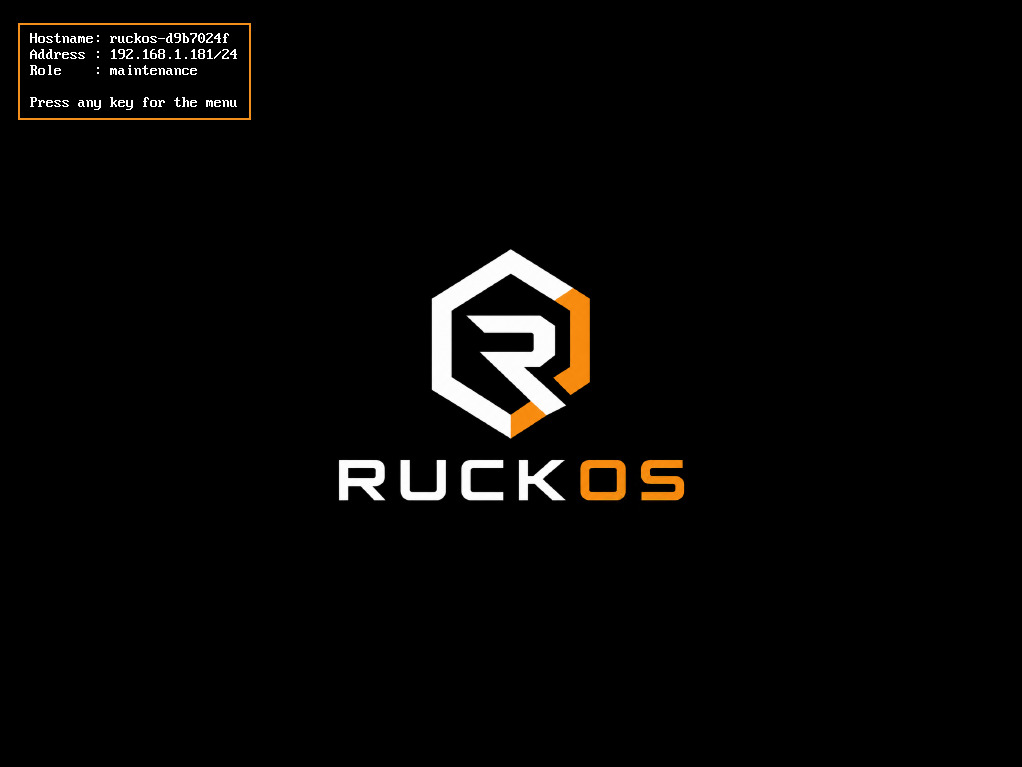
RuckOS Linux:
Highly scalable and reliable
Read the docs
Ruckos boots from a read-only image; nothing to patch, nothing to drift, nothing open to attack.
Ruckos Linux is the operating system under every node — it runs your workloads, the Kubernetes control plane, and etcd. Built for exactly one job, it leaves out the configuration sprawl, patch cycles, and attack surface that come with a general-purpose distro. Minimal by design, practical in production, and it runs anywhere a modern Linux kernel does.
Power on and Ruckos Linux installs to disk, then boots into a hardened, read-only kernel.
Provision it with rctl.exe or lighthouse — same declarative API, cluster in under 5 minutes.
Boot from a 132MB ISO, installs to disk as a read-only kernel.
rctl assign etcd, control-plane and worker roles.
rctl write-config renders the cluster manifest from site.yaml.
rctl bootstrap forms etcd and the control plane, then rolls out the platform.
Stacked and external clusters, Ruckos Cloud.
rctl.exe workflows —
discovering nodes, writing the cluster config, and bootstrapping the
control plane and platform services.
A UI PowerShell script to spin up Hyper-V virtual machines.
available for free download
Setup Ruckos nodes for cluster quorum and control-plane readiness.
rctl.exe bootstrap etcd --site config/raft/raft.yaml
Deploy and configure a 9-node external etcd cluster with the standard discovery flow.
rctl.exe bootstrap --site config/ruckos/ruckos.yaml --type external
GitOps, ingress, identity, and storage land on the cluster automatically.
rctl bootstrap platform --site config/site.yaml
The simplest way to manage multiple clusters is by using lighthouse, read the full cli documentation.